


Prepare your world
.zip, .mcworld, or level.dat. Java and Bedrock. Close Minecraft first. Runs locally. Nothing is uploaded, this page has no processing server.
Choose a world to get started.
Exact changes
These settings already match. Nothing needs changing.
| Setting | Type | Before | After |
|---|
Only need the settings file?
A small patch for a world you already have. It is not an importable world.
The achievement lock
Why achievements switch off
Bedrock: cheats or Creative mode save a flag in level.dat, and the world stays locked. The tool turns cheats off and clears the flag in a copy.
Java: advancements already work with cheats on. Empty Advancements menu?
Java: empty Advancements menuEarn your first advancement
A new world’s menu stays empty until you earn an advancement. In Survival, craft a crafting table, keep it in your inventory, then reopen Advancements.
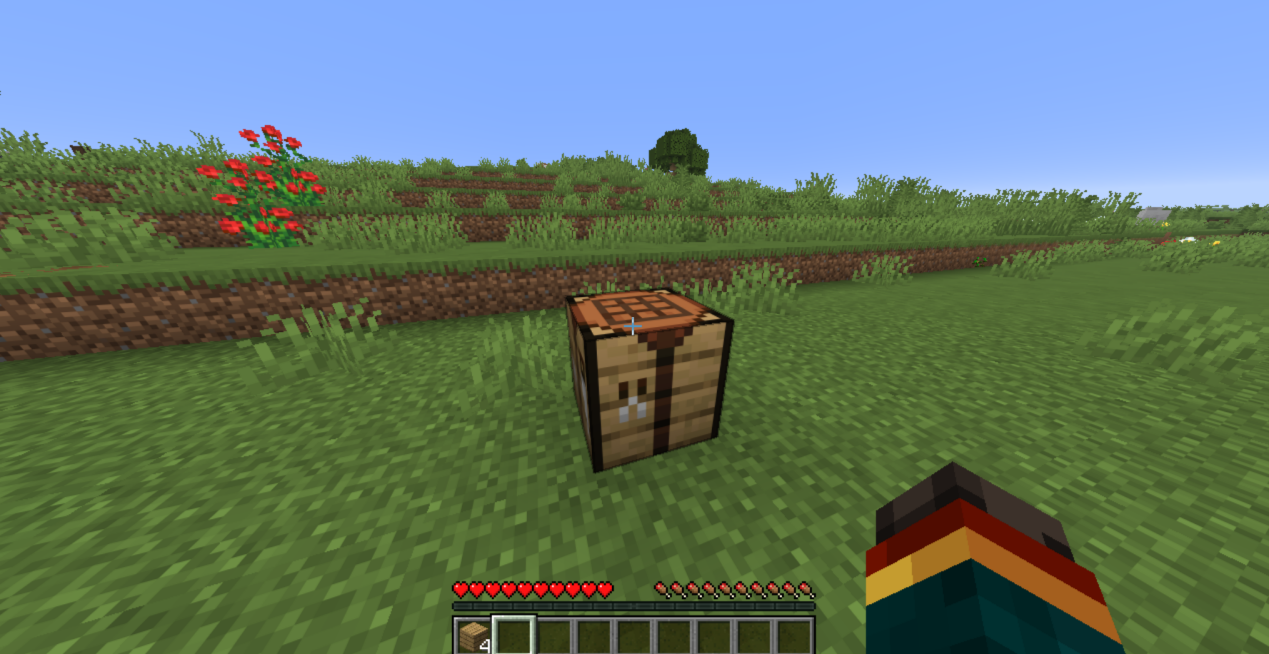
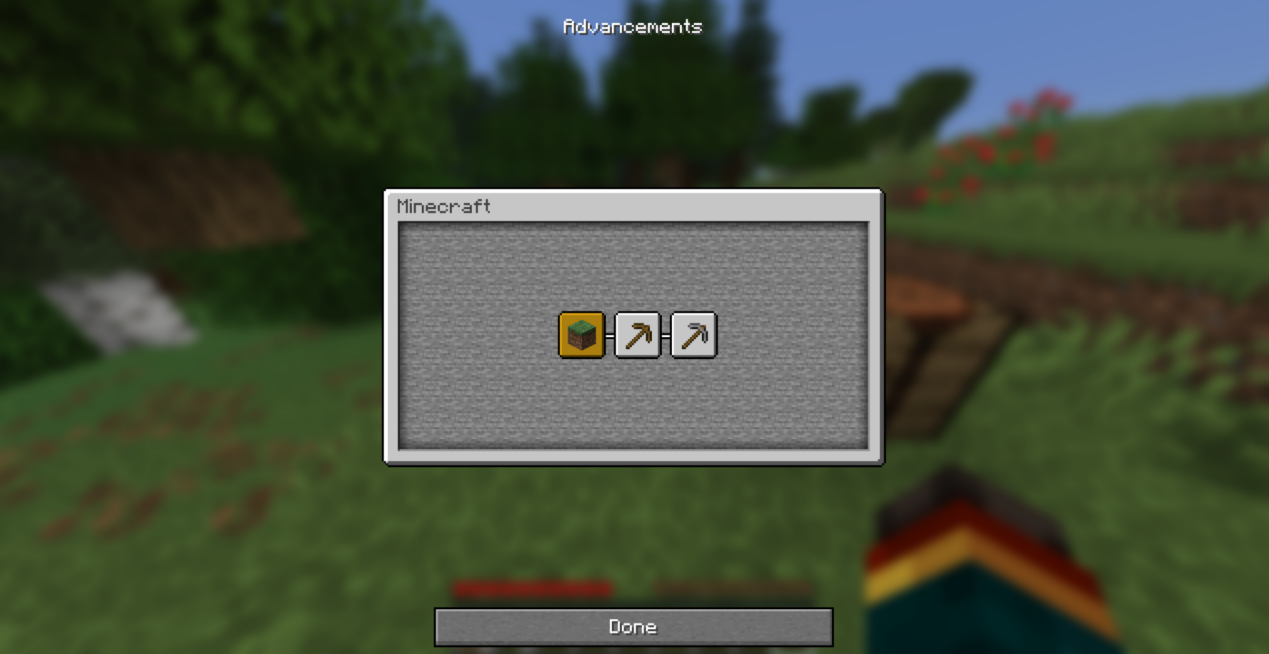
Still empty? Check your data packs and latest.log for advancement errors.
Details and manual stepsExact tags, install, Chunker, NBTExplorer, Amulet
Exact changes
| Edition | Tag | Value |
|---|---|---|
| Java | Data → allowCommands (Byte) | 0 |
| Java | Data → GameType (Int), Survival only | 0 |
| Bedrock | commandsEnabled (Byte) | 0 |
| Bedrock | hasBeenLoadedInCreative (Byte) | 0 |
| Bedrock | GameType (Int), Survival only | 0 |
| Bedrock | ForceGameType (Byte), Survival only | 1 |
Missing tags are not created. Packs, experiments, player data and terrain are kept. Only level.dat is replaced; level.dat_old still holds the old settings. Zip input is limited to 512 MiB and the copy to 3.9 GiB or 65,000 files. Use the settings-only patch for bigger worlds.
Install the result
- Java: unzip, then put the world folder in your
savesfolder. - Bedrock: open the
.mcworldfile with Minecraft. - Patch: replace
level.datin a backed-up world.
Still locked on Bedrock?
- Cheats or a personal Creative mode can lock it again.
- Experiments, templates, Editor history and some add-ons can also block achievements. The tool lists these but never removes them.
- Past progress is not awarded retroactively.
By hand
01ChunkerSet defaults while converting
In Advanced Mode → World Settings, set Gamemode to Survival and Commands Enabled to false, then export. Check the exported level.dat here afterwards.
02NBTExplorerJava worlds
- Open a copy’s
level.datand expandData. - Set
allowCommandsto0(Byte). - Optional: set
GameTypeto0(Int), then save.
Players may still be in Creative. Set playerGameType to 0 in their record (playerdata/<UUID>.dat, or players/data/ on 26.1+).
03Amulet and Bedrock editorsBedrock worlds
- Open a copy’s
level.datin an editor that supports Bedrock. - Set
commandsEnabledandhasBeenLoadedInCreativeto0. - For Survival, set
GameTypeto0andForceGameTypeto1. - Save, import, and check achievements in the game.
Never delete database files to reset a player.
AmuletReferences: Java level format · Bedrock level format · Advancements · Achievements and add-ons