


Repair a world or structure
level.dat inside), a zipped world, or a single structure .nbt. Bedrock is not supported. Runs locally. Nothing is uploaded, this page has no processing server.
Vault NBT changes
Expand a vault to inspect its typed NBT before and after repair.
Exact repair scope
minecraft:vault → server_data → state_updating_resumes_at (Long) = 0 Only the existing eight-byte value is zeroed. No vault configuration, loot table, rewarded-player list, block state, entity, terrain, or other world data is intentionally altered.
0L is a 64-bit Long. /data modify block ~ ~-1 ~ server_data.state_updating_resumes_at set value 0L  The vault timing bug
Why a vault freezes
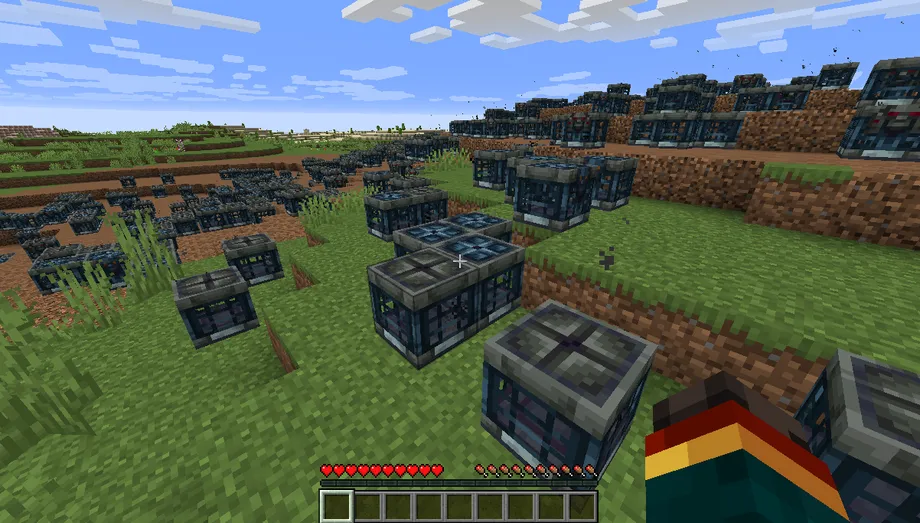
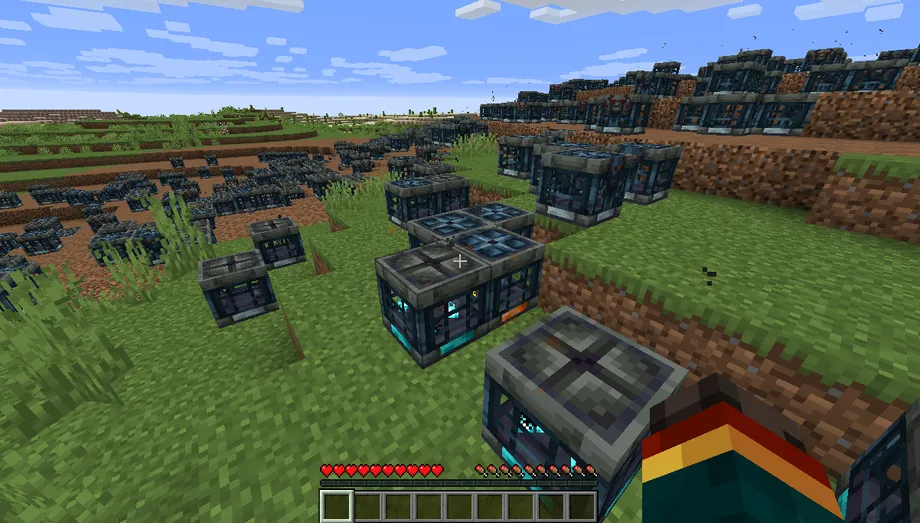
Each vault stores a tick for when it may next update. Worlds carried through some edits or version jumps leave that value set far in the future, so the vault never re-arms: it ignores its key, plays no animation, and drops no loot. Zeroing the timer wakes every affected vault at once.
Prefer to fix it by hand? Vanilla commands, structure export, NBTExplorer, and safety notes
Manual alternatives
A few vaults only? Vanilla commands or NBTExplorer may be quicker. Make a backup first in either case.
01 Fix one vault in-gameVanilla /data command
The in-game one-liner above uses relative coordinates. To target a vault by absolute position instead:
/data modify block <x> <y> <z> server_data.state_updating_resumes_at set value 0L - Use
0Lwith a capital or lowercase L. It is a 64-bit Long.0smakes a Short and is the wrong type. - This resets the timer only. Loot configuration, rewarded players, and the ominous setting are kept.
- Do not repair with
/setblock; it can discard the vault's existing block-entity data.
02 Repair a structure before exportRound-trip through a structure block
- Place and load the structure with a structure block.
- Run the command above once for every vault coordinate.
- Save the structure immediately under a new name.
- Use that new
.nbtin WorldPainter.
The vault's visual ominous block state is separate from this frozen timer. This repair does not turn a regular vault ominous or change its key and loot.
03 Edit it with NBTExplorerManual tag editing
Structure .nbt
Open a copied structure file, expand blocks, and inspect each list entry's nbt compound. Find entries whose id is minecraft:vault.
Complete Java world
Open a copied world folder, then its dimension's region folder and relevant r.x.z.mca. Expand the chunk and block_entities. Older formats may show a Level wrapper or call the list TileEntities.
For every matching vault, expand minecraft:vault → server_data → state_updating_resumes_at, confirm the tag type is Long, set its value to 0, and save. Searching the string minecraft:vault is safer than opening every numbered entry.
Applying the result
- Keep your original world as the backup. The tool never overwrites it.
- Fully stop Minecraft or your server before replacing any save files.
- For a world, the main download is the complete fixed world as a zip. Extract it into your
savesfolder: it appears as a new world next to the original. A smaller download with only the changed files is offered too, for servers or very large worlds: copy those into your world folder, replacing the originals. A single structure downloads as one fixed.nbt.
Compatibility: Java Edition Anvil regions using gzip, zlib, or uncompressed chunks. Rare LZ4 or external (.mcc) chunks are preserved and reported as not scanned. World folders are read one file at a time. The complete world copy is limited to 3.9 GB (a browser zip limit); larger worlds get the changed files only. A single zipped world is decompressed in full, so very large zips still need the folder instead.